Will I lose my history?
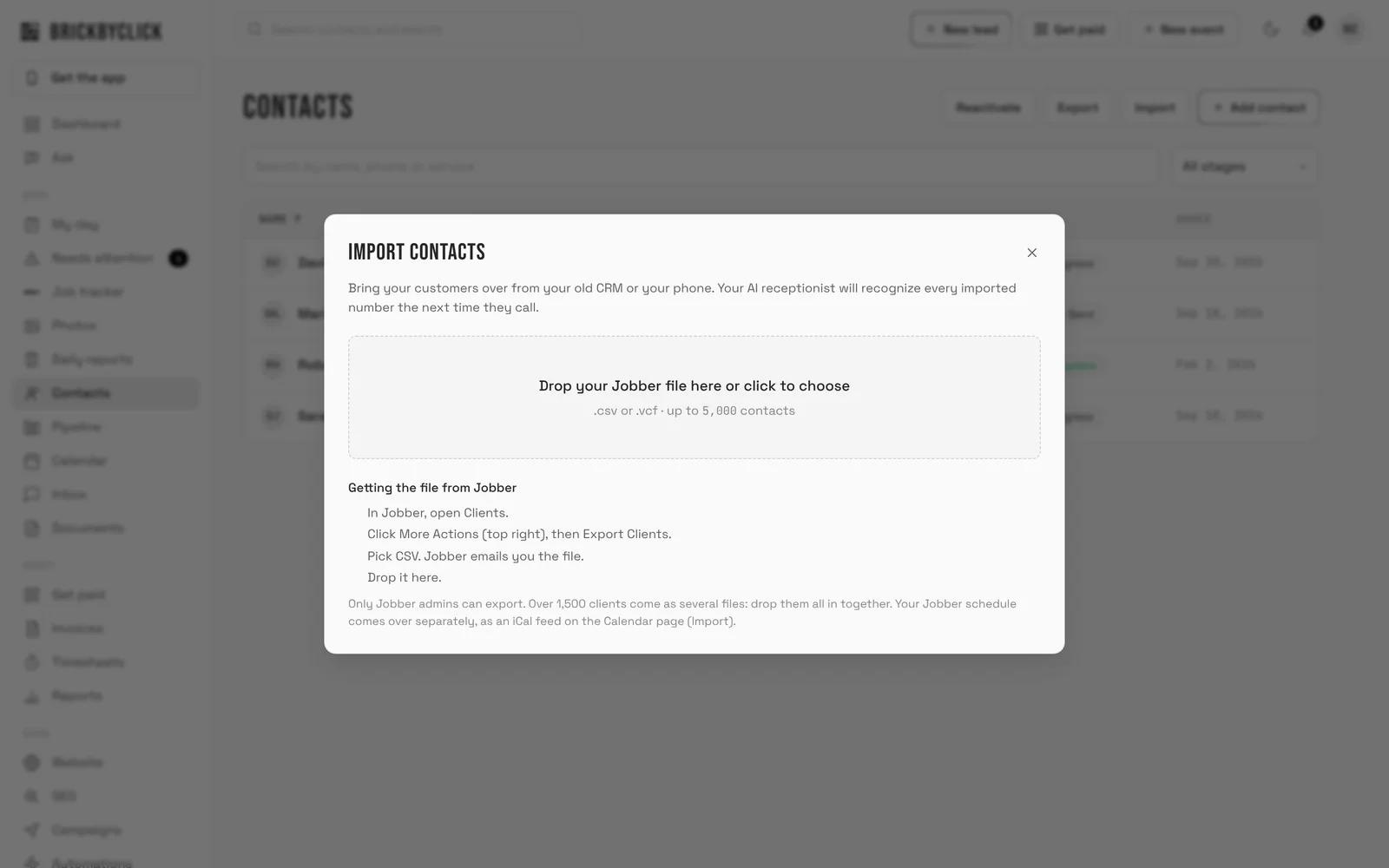
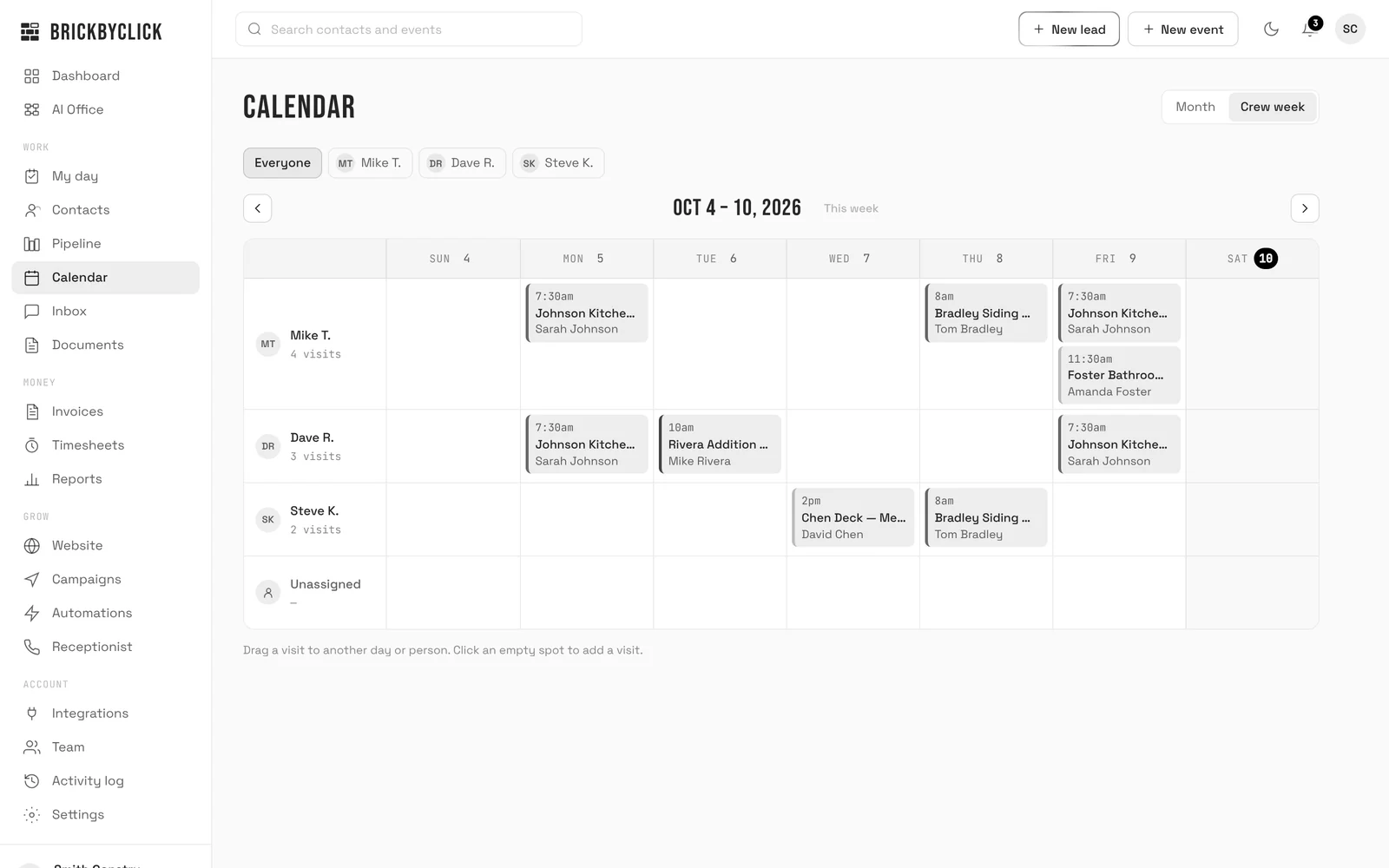
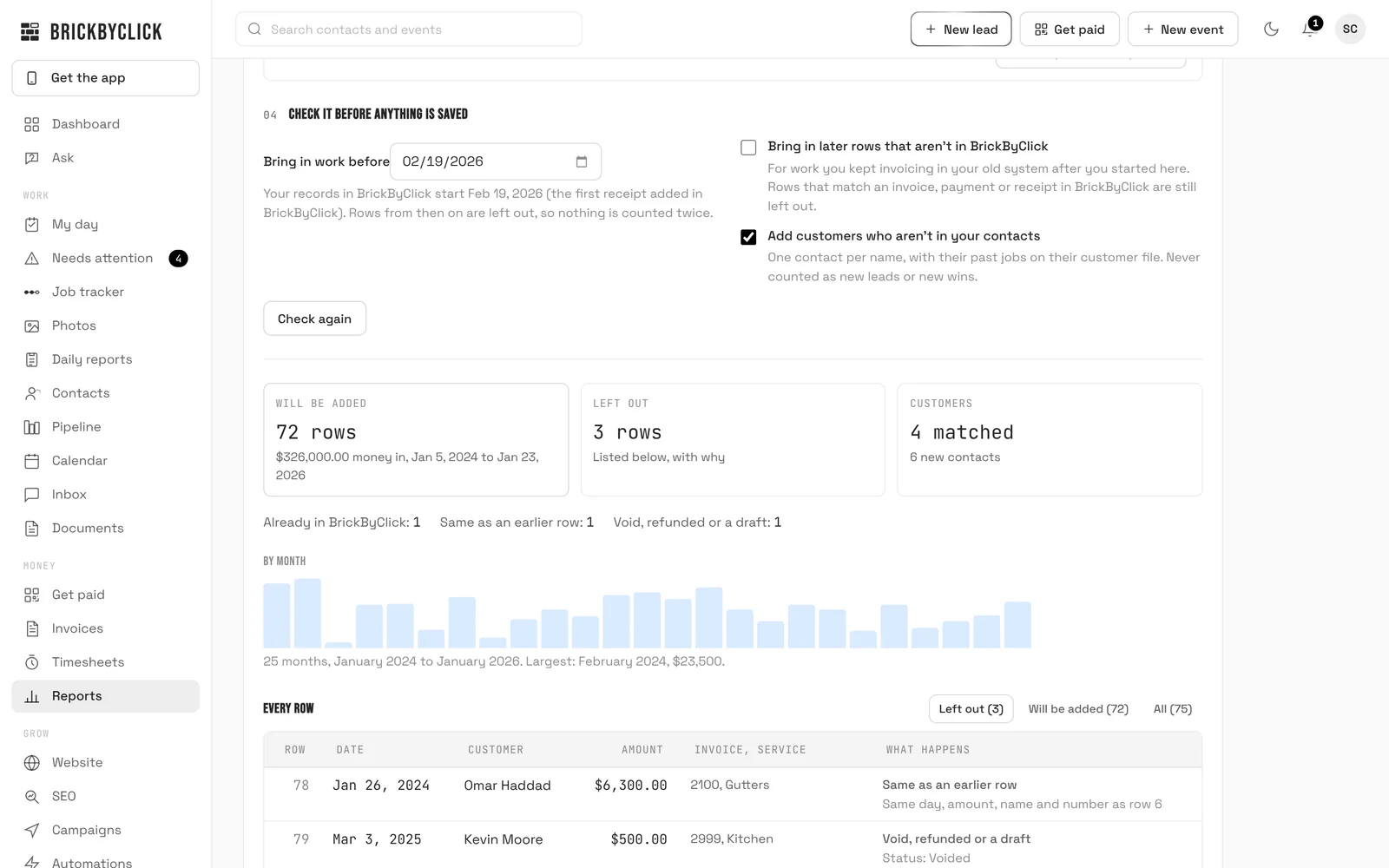
No. Your customers come with their real dates, your appointments come over from your old calendar, and the money you collected and spent before comes in from a spreadsheet, so your trends, money summary and customer files start with your real numbers.
Which systems can I switch from?
Any that can export a spreadsheet: Jobber, Housecall Pro, ServiceTitan, QuickBooks, HubSpot, GoHighLevel, a spreadsheet you keep yourself, or the contacts on your phone. Calendars come from Google Calendar, Outlook or Apple Calendar files, or a CSV of your visits.
What if a customer or a payment is already in BrickByClick?
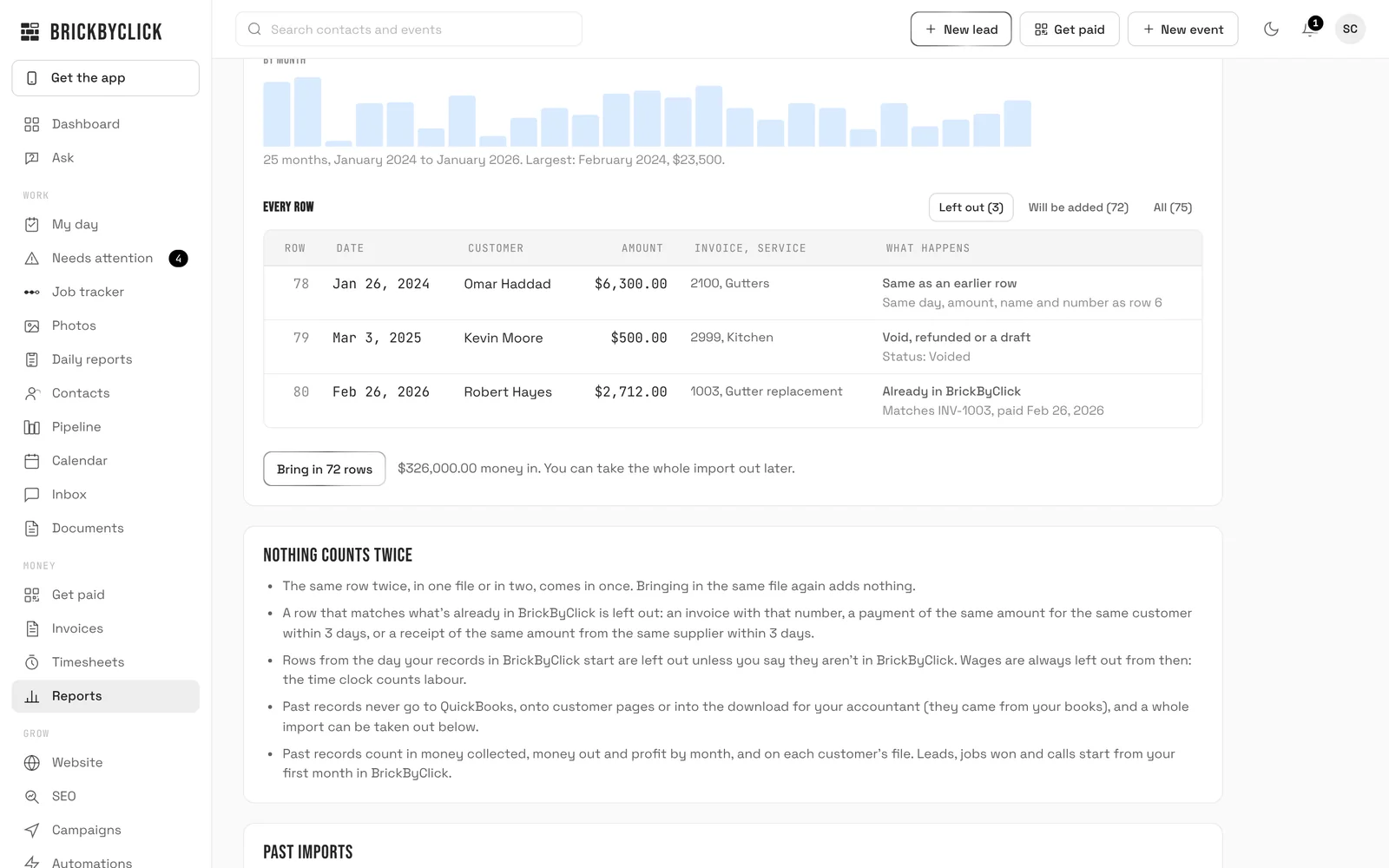
It's matched, not added again. Customers are matched by any phone number or email and only filled in, never overwritten. Past payments are matched by invoice number, or by amount, date and customer; past expenses by amount, date and supplier.
Can you do it for me?
On
Front Office and up, yes: send us the files and we load them with you during setup. On
Starter you bring them in yourself, and if you get stuck, call (888) 533-5784 and we'll do it with you.
What if I bring in the wrong file?
Take the whole import of past records out in one step, under Reports, Bring in your history. Its rows go, and so do the customers it added that nothing else uses.
Can I leave just as easily?
Yes. Download your contacts and your money in and out as spreadsheets any time, and every plan is month to month.