Who writes the daily report?
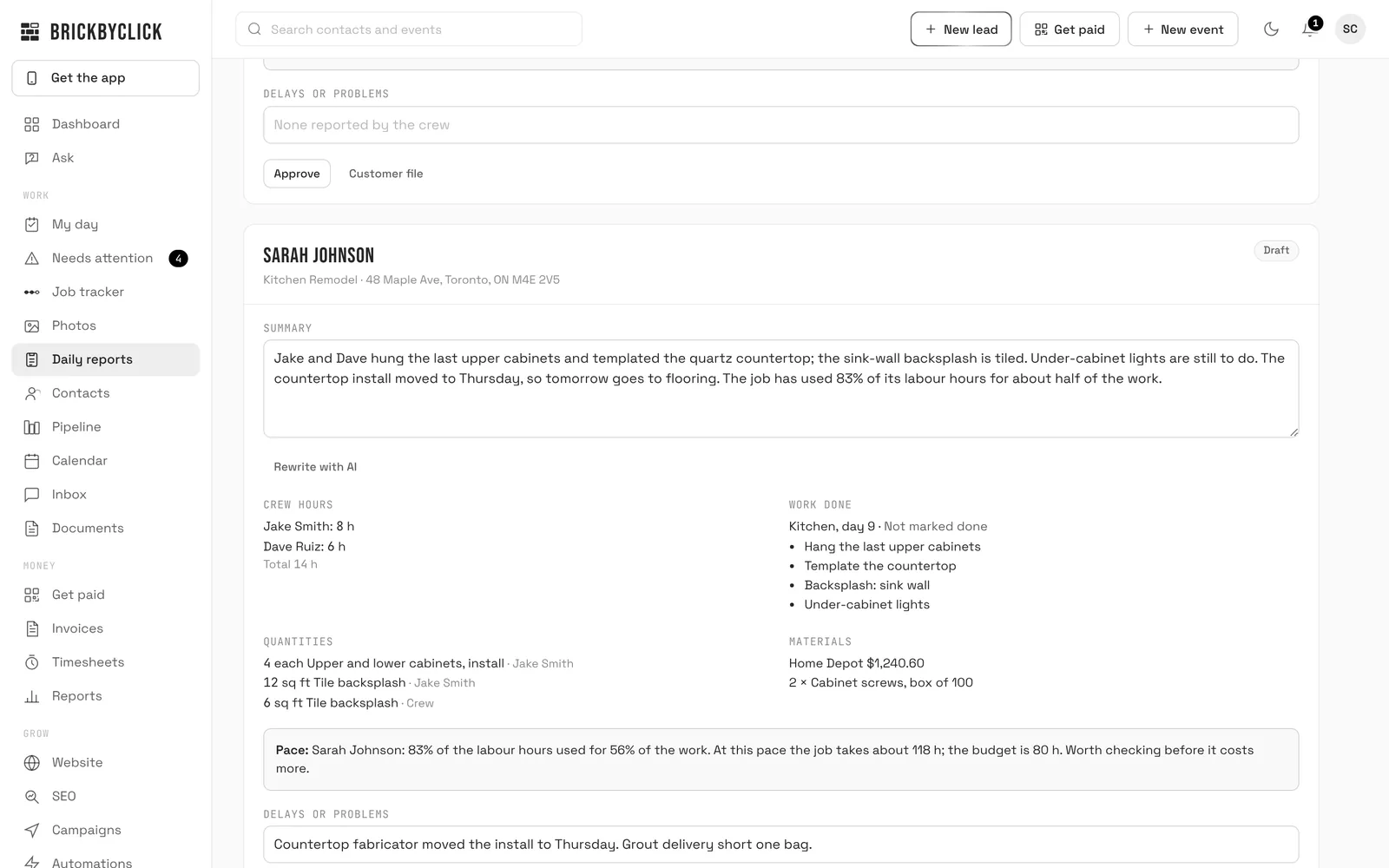
BrickByClick puts the facts together at 6 PM: hours on the clock that day, checklist items ticked, quantities, receipts and parts, photos, notes, delays and the weather at the job. AI writes a short summary from those facts. You read it, change anything, and approve it. Approved reports are kept in the customer file as they were.
Which jobs get a report?
Every job with something on it that day: hours, a ticked item, a photo, a receipt, a quantity, a note or a delay. A job nobody touched gets no report.
Does the customer see the daily report?
No. Daily reports are for you and the office. Customers get photo updates instead, daily or weekly, if you turn them on for the job.
How do you know where a photo was taken?
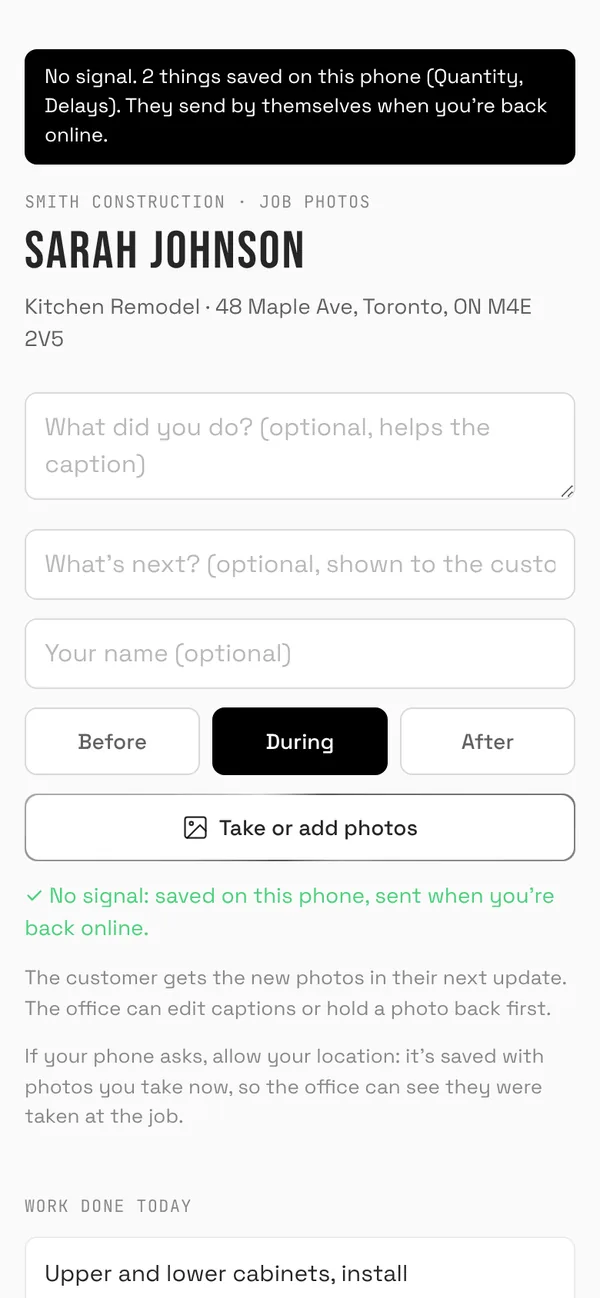
From the photo itself when the phone saved its location, or from the phone's location when the photo is taken in the moment and the crew allows it. The office sees how far from the job each photo was taken, with a flag when it was taken somewhere else.
What does the photo check do?
Before you invoice, AI looks at the job's photos against its checklist and the invoice or estimate, and lists what the photos show, what they don't, and what's unclear. It's there to help you decide; it doesn't change anything.
Where does the weather come from?
From Open-Meteo, a free weather service, for the job's location and date. Canadian businesses see °C and km/h, US businesses °F and mph.
Which plans include it?