Question 1
How does each platform handle an incoming call?
BrickByClick
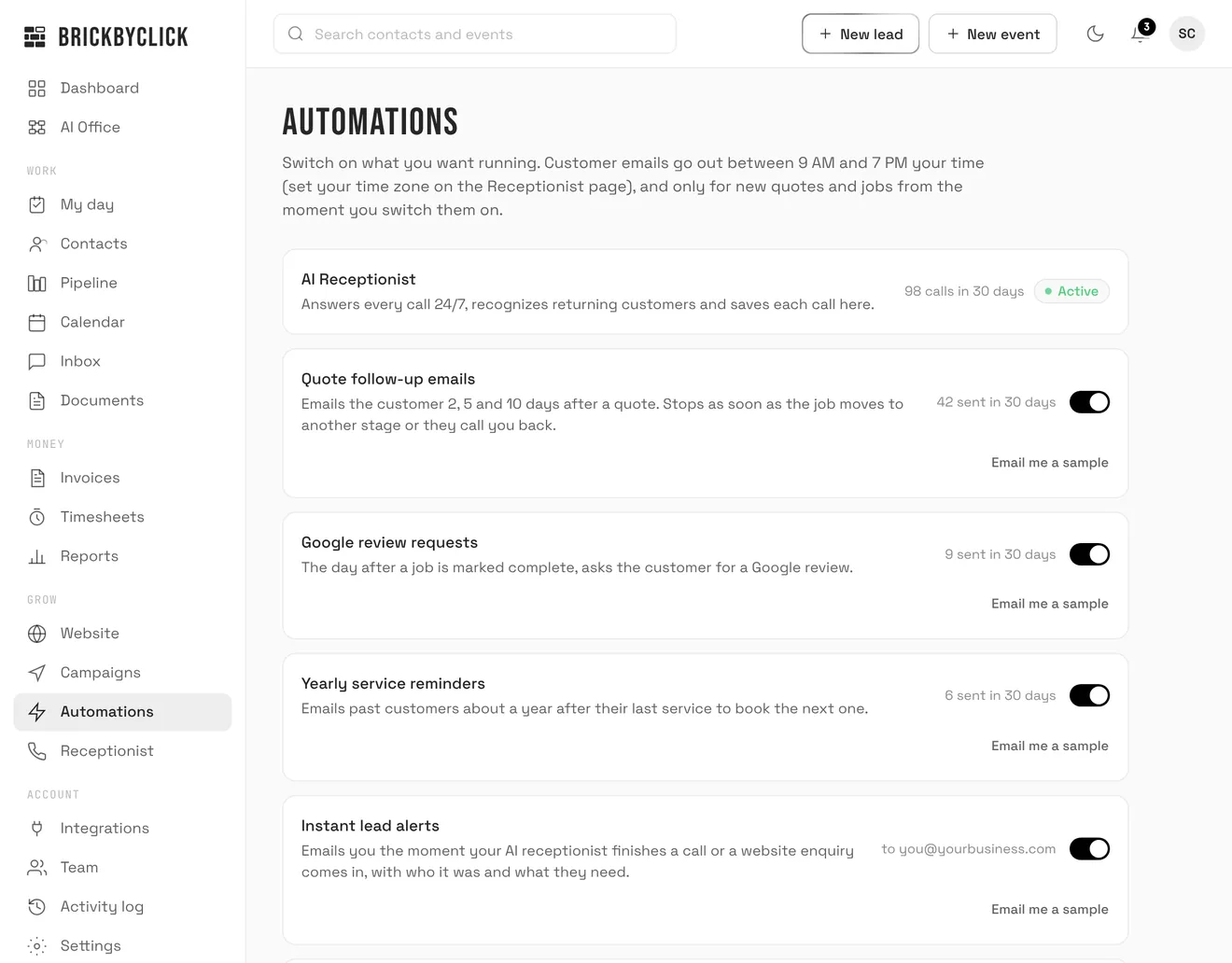
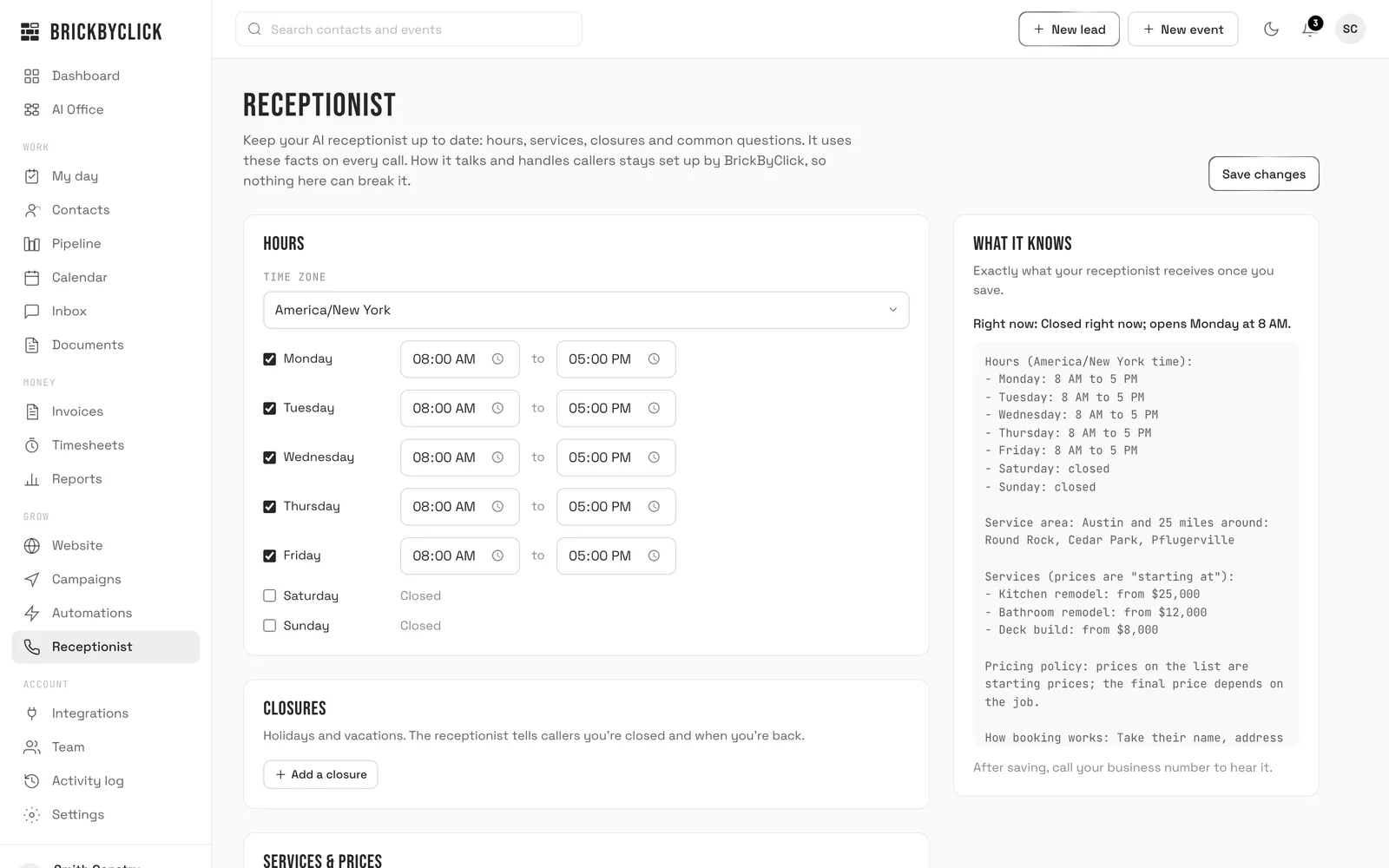
- The AI receptionist answers in your business’s name, day or night, from the hours, services, prices and answers on your Receptionist page
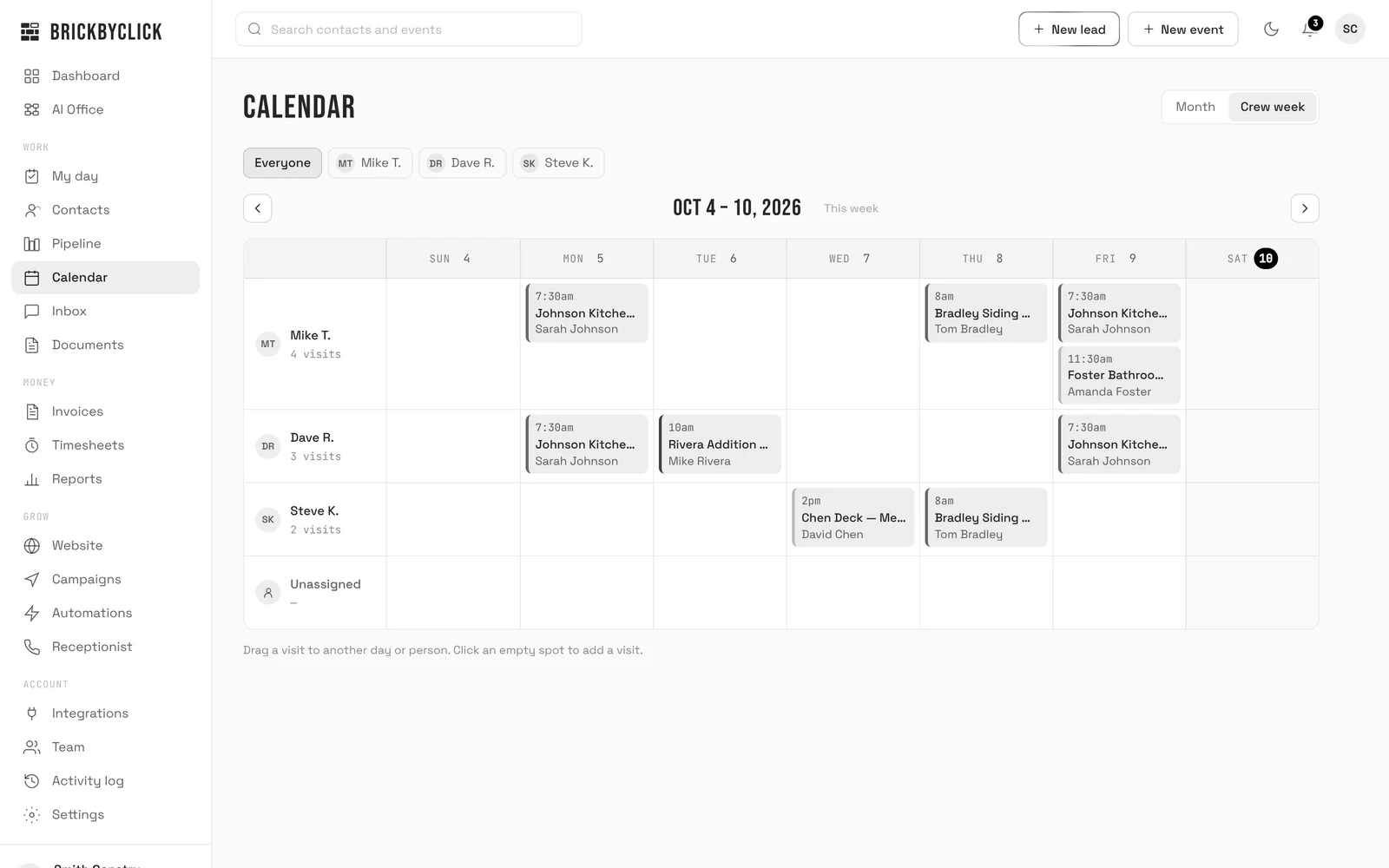
- It books the visit into your calendar within your hours, knows returning callers by their number, and can move or cancel their visits if you allow it
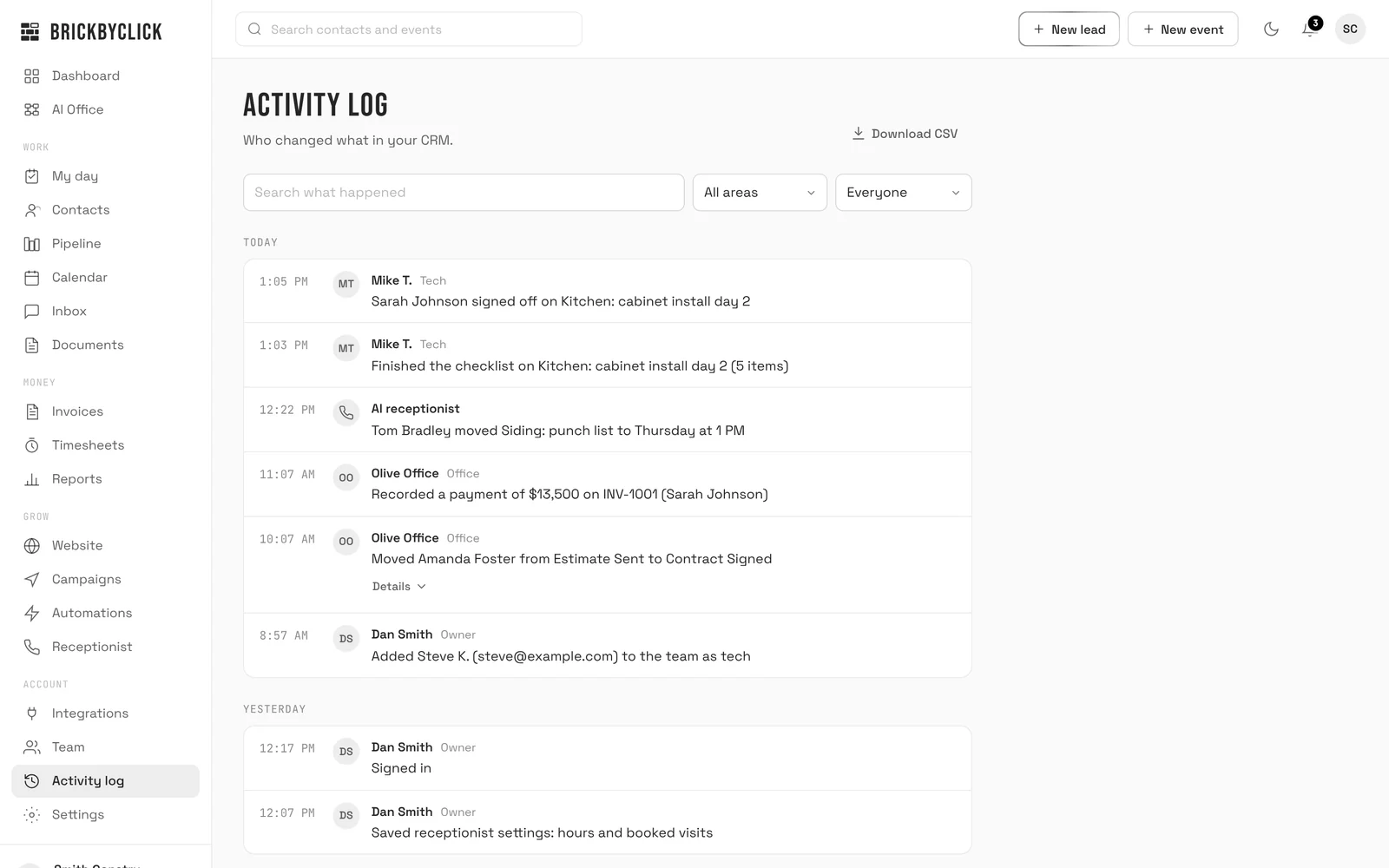
- Every call lands in your Inbox with a summary, with an email to you for a new lead, and robocalls filtered out
- A missed call gets a text back, once texting is on
Plan: Front Office and up ($399/mo), with its own local number and 500 minutes a month (1,000 on Total Growth). Not on Starter.
Jobber
- AI Receptionist answers calls and texts 24/7, books, reschedules or cancels visits, takes requests, and escalates urgent calls by transfer or text
- If a caller hangs up early, it can text them to follow up. Each conversation is logged with a summary, transcript and recording
- It needs a Jobber dedicated number; you can forward your existing line to it
- Without it, Jobber’s dedicated number is for texts: calls are forwarded to your company phone
Plan: a $29/mo add-on on Core, Connect and Grow with a monthly conversation limit (Jobber’s help center gives 30 in one article and 100 in another), then $0.79 per extra conversation. Included with unlimited use on Plus ($499/mo and up).
The difference: both answer and book. Jobber’s also handles texts and transfers urgent calls. BrickByClick’s comes in the plan, priced by minutes, with no per-conversation charge.